Features
From JavaScript to verified TypeScript, in one editor.
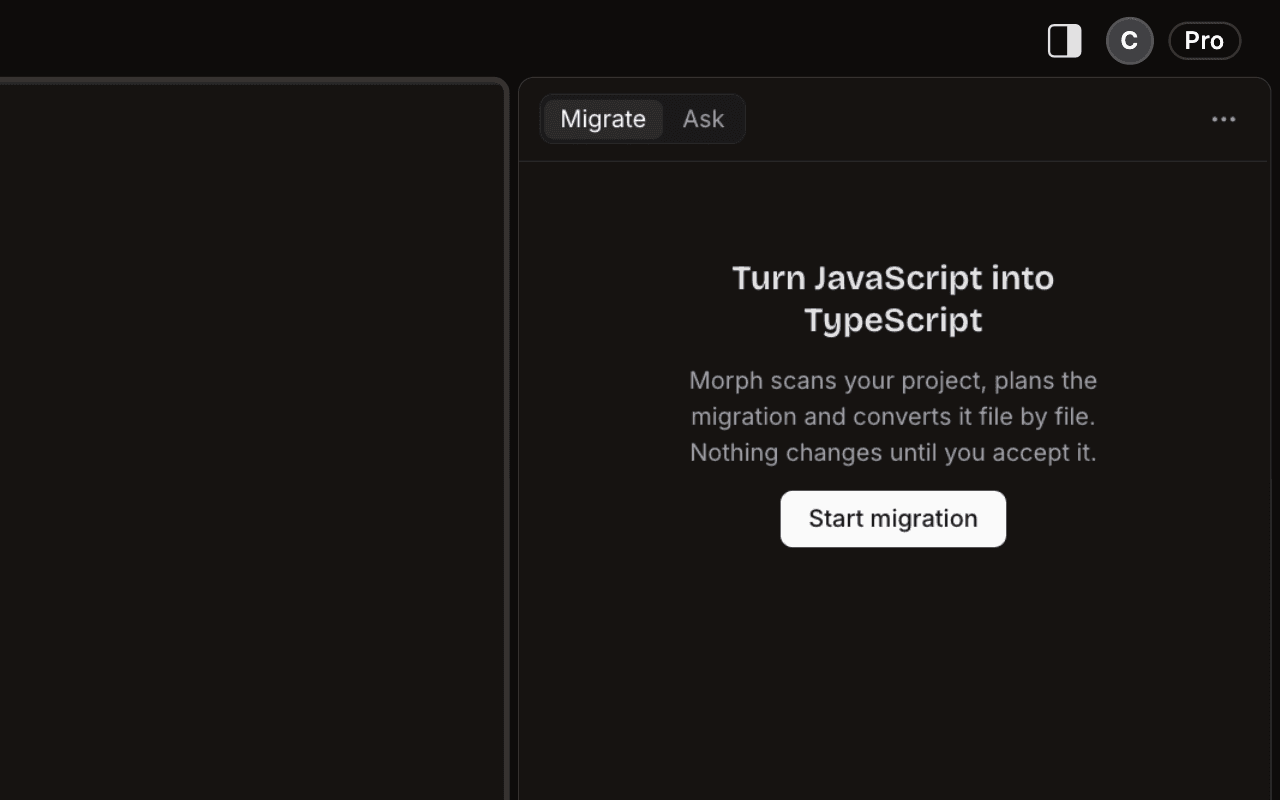
CodeMorph combines a full code editor with a JavaScript to TypeScript migration engine that understands how your files depend on each other. It is built for AI code migration you can check, with an agent that explains every decision.
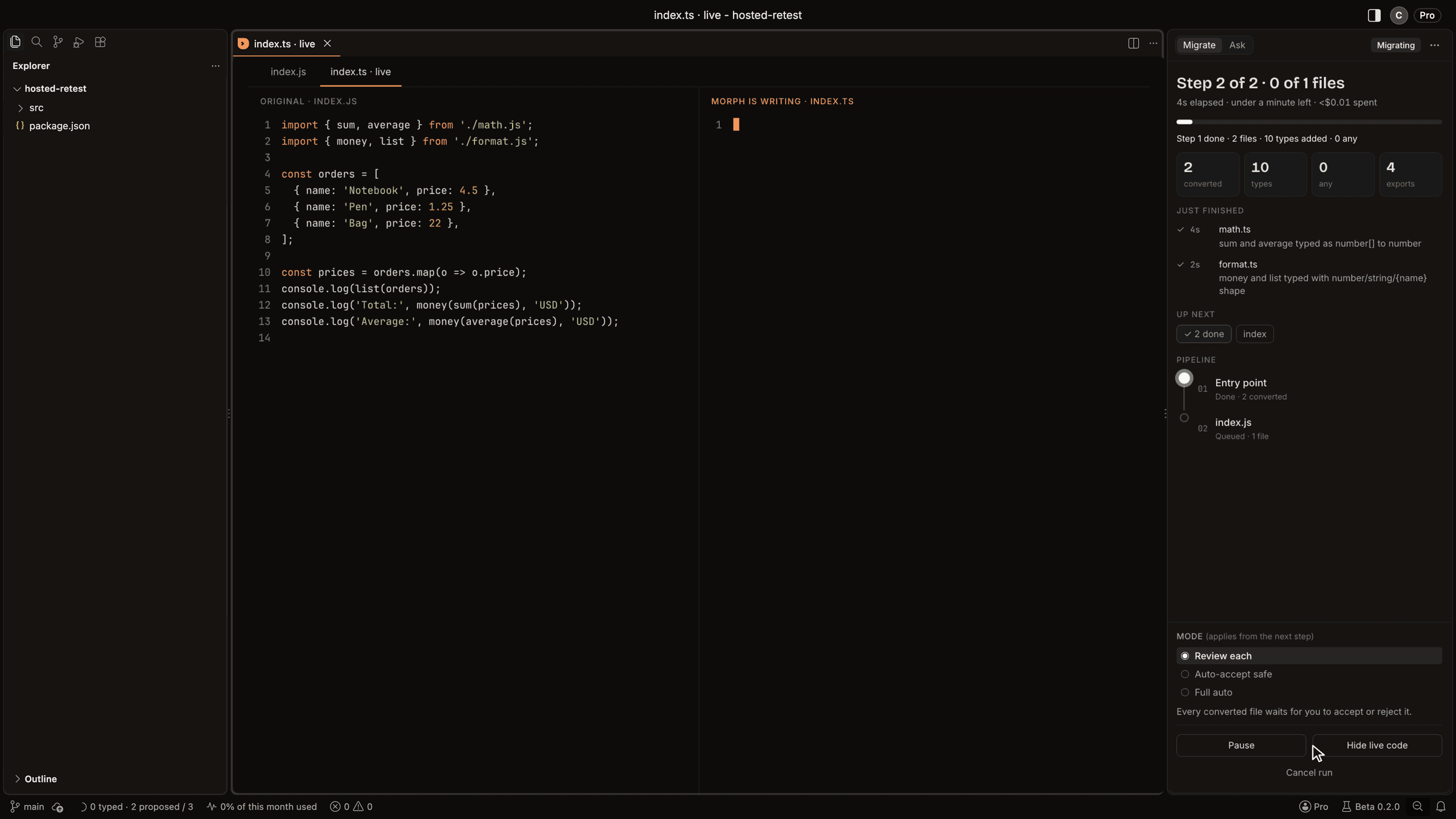
Migrate
A plan built from your real dependency graph
Every import resolved, every file placed in a leaf-first batch, every change reviewed as a diff.
Explore migrate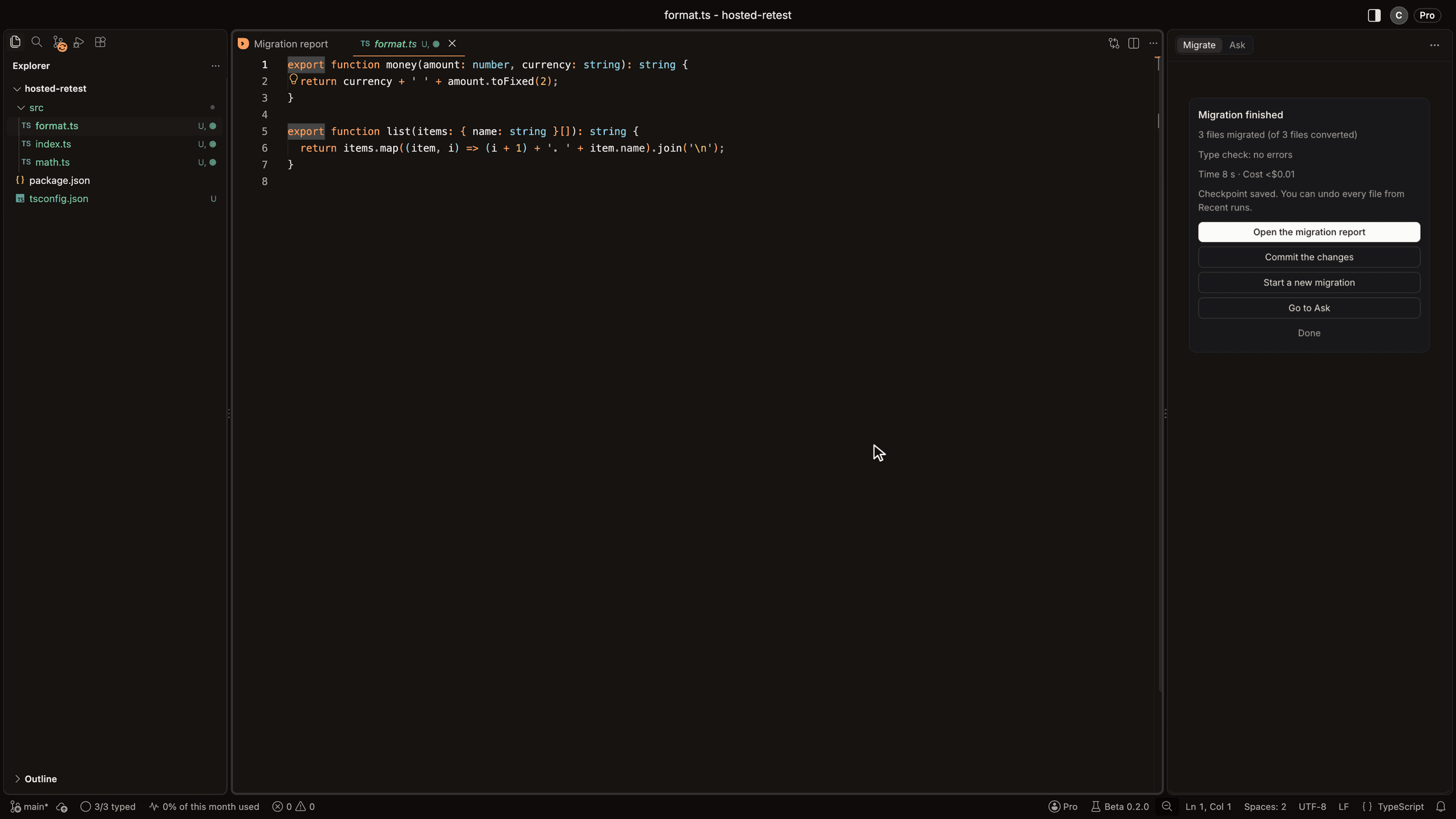
Verify
tsc across the project, after every batch
A file isn't done when it parses. It's done when the type checker is clean across your whole project.
Explore verify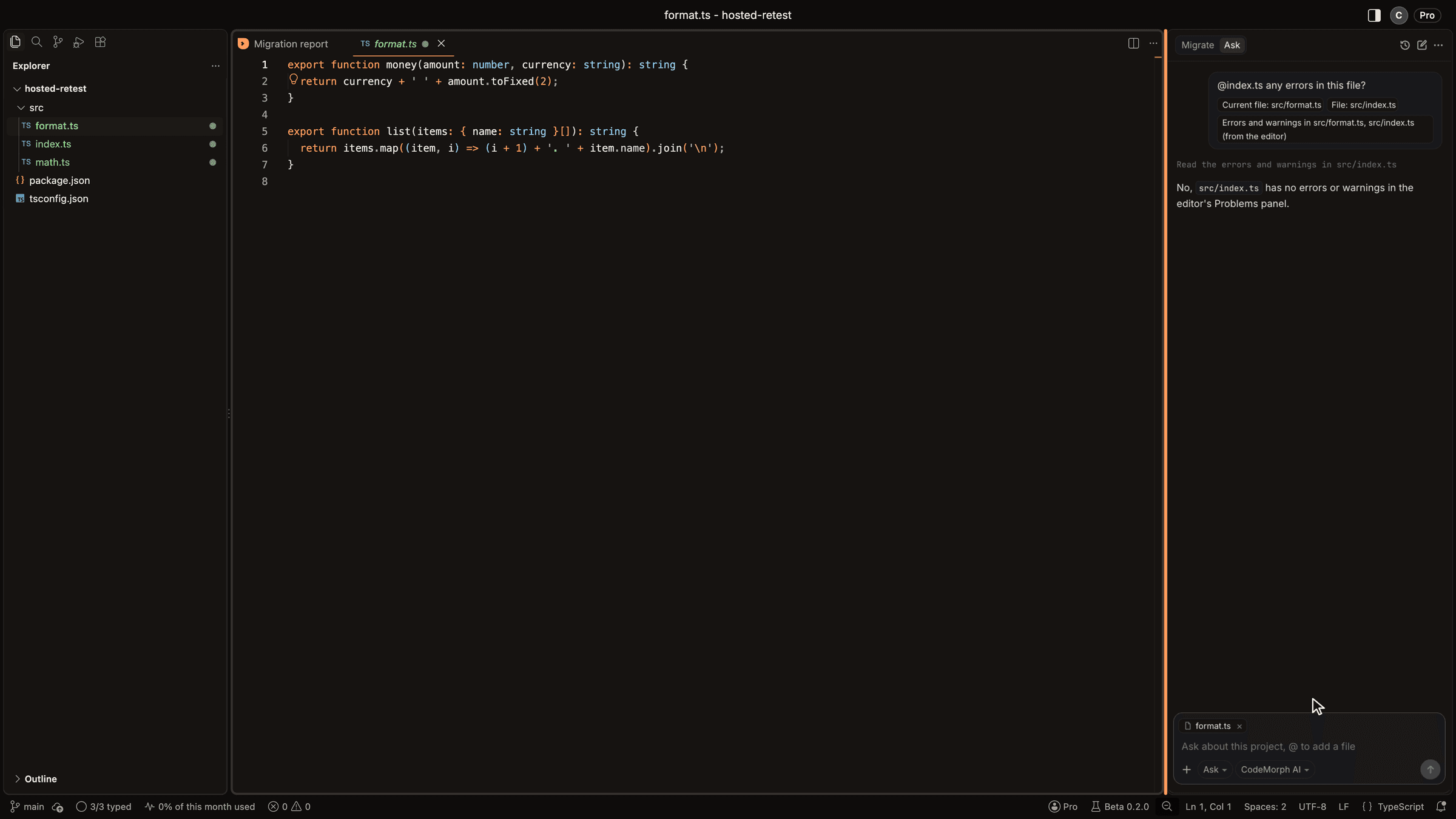
Morph agent
An agent that can cite its reasons
Ask why a type was chosen and get the call sites that justify it. Ask is included on Free; Edit and Plan are part of Pro.
Explore morph agent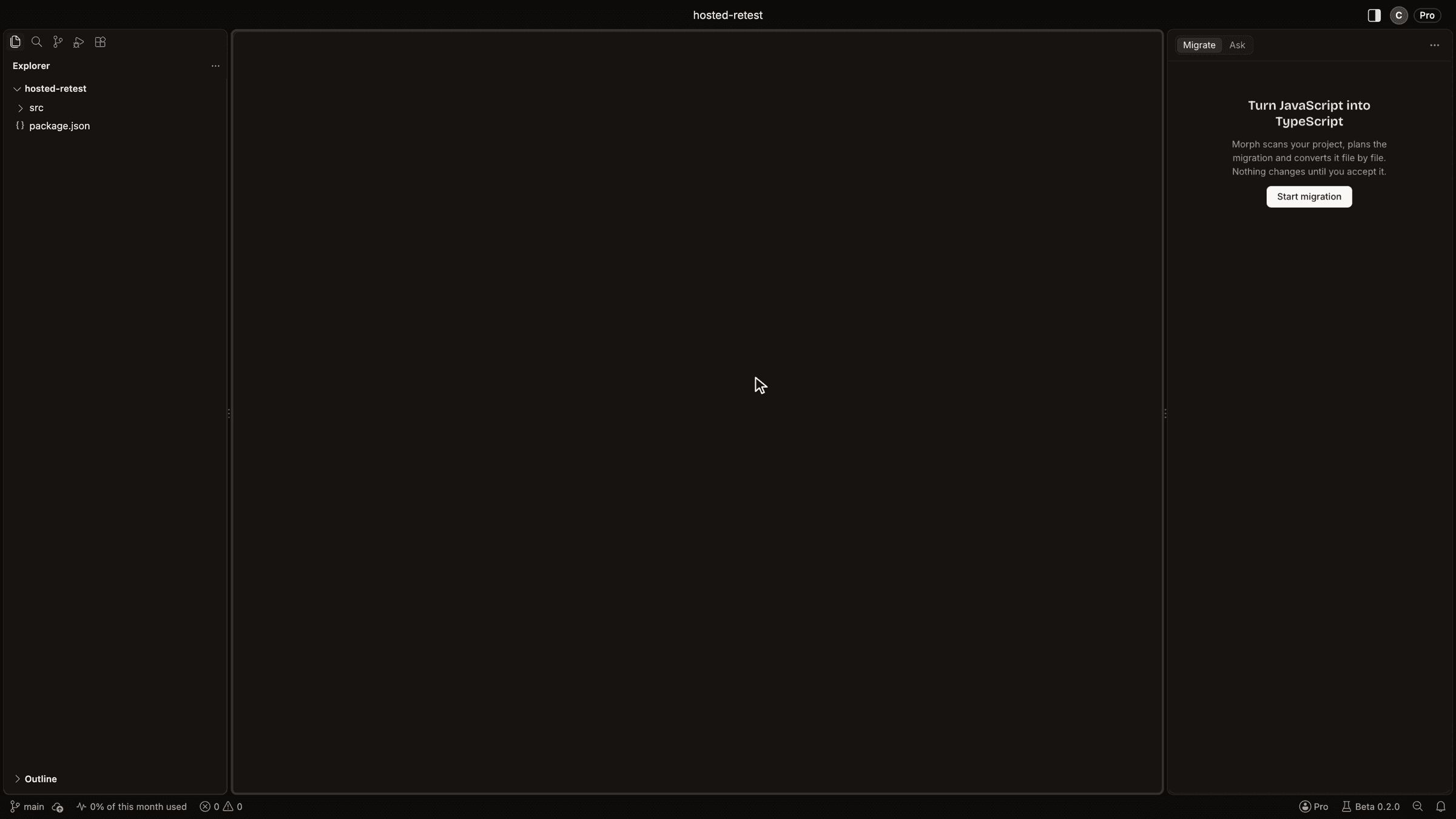
Editor
A complete editor, not a plugin
A full desktop editor with Open VSX extensions, anonymous usage statistics only if you opt in, and a theme made for long sessions.
Explore editorThe workflow
Five steps. Each one checkable.
Every stage produces something you can inspect before the next one starts: a graph, a plan, a diff, a verification result.
- 01
Scan
Parse every file and resolve every import
- 02
Plan
Order files leaf-first into batches
- 03
Convert
Type each file against typed imports
- 04
Verify
tsc across the project, after each batch
- 05
Review
Accept each change as a diff
Every capability
What's in the box
Everything CodeMorph does today, in one place, with where to read more.
| Capability | What it does | Learn more |
|---|---|---|
| Scan | Parses every source file with tree-sitter and resolves every import into a dependency graph | Read |
| Plan | Orders files leaf-first with Tarjan's algorithm and packs them into batches named by folder | Read |
| Baseline | Counts the type errors your JavaScript already has with tsc --checkJs | Read |
| Batch migration | Converts each file against dependencies that are already typed, with a repair loop | Read |
| Instructions | Steer the run in plain words, like strict mode or one folder at a time | Read |
| Diff review | Side-by-side diffs with summaries; accept or reject per file | Read |
| Run & Verify | Type-check across the whole project | Read |
| Ask | Questions about any change, answered with the call sites behind it | Read |
| Explorer status | Grey, orange and green dots per file and a typed counter in the status bar | Read |
| Bring your own key | Your Anthropic key, stored in the OS's secure storage | Read |
| Full editor | Familiar keybindings and layout, Open VSX extensions, usage statistics opt-in | Read |
Under the hood
How the pieces fit
CodeMorph is a set of small, testable parts, each with one job. Only one of them ever talks to a model.
Walker
Parser
Resolver
Graph store
Planner
Converter
Verifier
Morph
Real-world JavaScript
Built for messy codebases
Clean demo projects are easy. These are the things real projects throw at a migration.
Mixed JS and TS
ES modules and CommonJS
Circular imports
Path aliases
Dynamic imports
Tests and entry points
Type-only imports
Assets
Unresolved imports
Keyboard first
Three shortcuts to learn
Open the Morph panel
Start a migration
Run & Verify
Everything else uses the standard shortcuts you already know. See the full list.
Roadmap
What's here, what's next
CodeMorph is in beta. Here's what you get today and what we're building next.
In the beta
- CodeMorph editor for Windows and Mac
- Scan & Plan: dependency graph and leaf-first batches
- Batch migration with a repair loop
- Side-by-side diff review, accept per file
- Run & Verify: type-check across the whole project
- Local models with Ollama, or your own Anthropic key
- Checkpoint before any change, and one-click Undo all
- Morph agent: Ask on Free, Edit and Plan on Pro
Next
- Running your tests and build in Run & Verify
- Signed installers and auto-update
- Linux builds
Later
- Shared plans and review for teams
- Org-wide model policy
- More migrations beyond JS to TS
Follow along in the changelog.
FAQ
Questions about features
Do I need an API key to try CodeMorph?
Can I migrate only part of a project?
Does CodeMorph support strict mode?
What happens to files that can't be typed cleanly?
Is my code used to train models?
Can I keep using my extensions?
Try CodeMorph now.
Download CodeMorph, open a project and see your migration plan in under a minute.
Free with your own API key, up to 100 files a month. Pro is $20 a month. Founding price $12 a month for the first 100.