Editor
A complete editor, not a plugin.
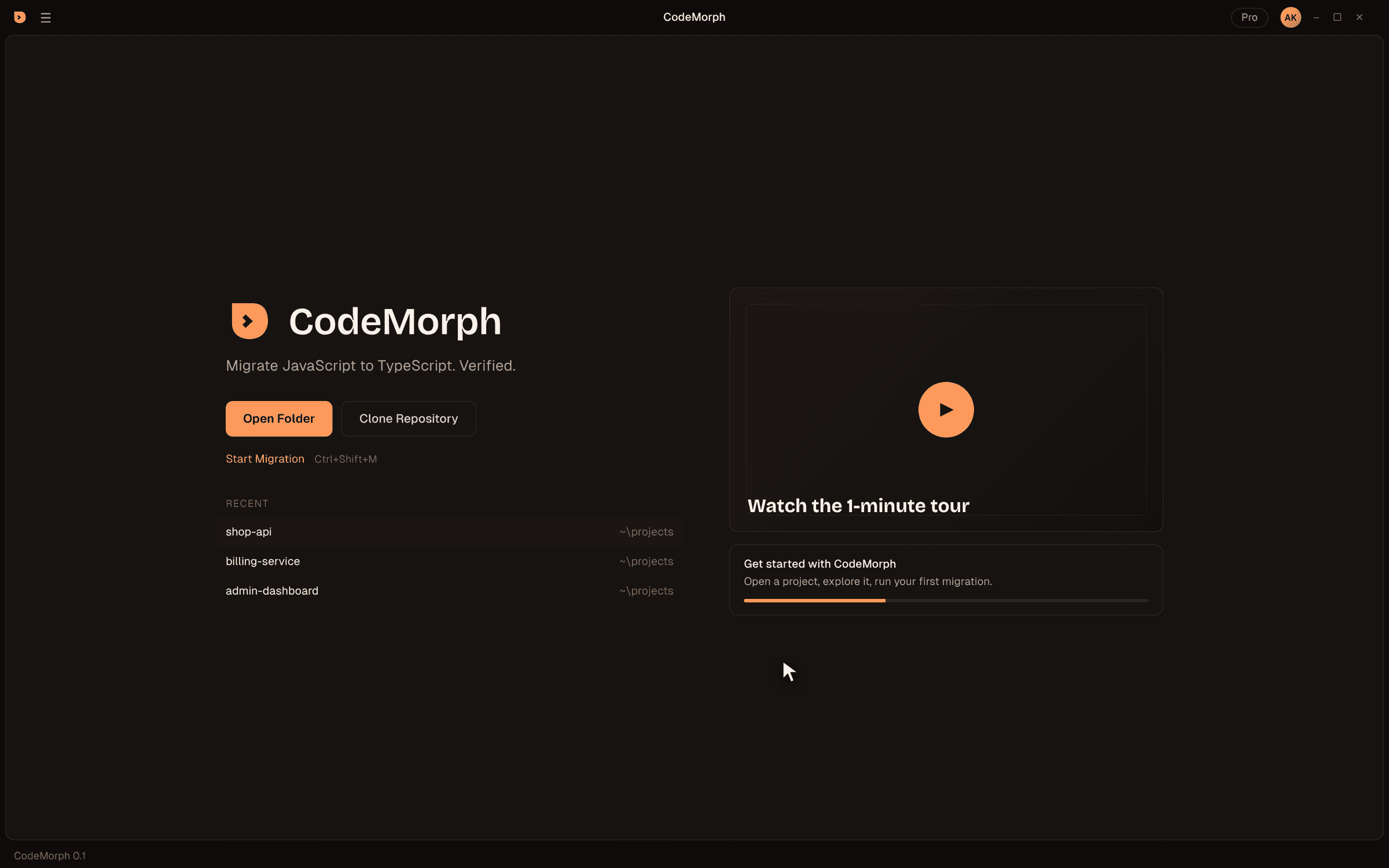
CodeMorph is a full desktop editor with the keybindings, layout and extensions developers already know. Your muscle memory works on day one. Morph is built into the layout, not bolted on.
Foundation
Familiar where it should be
The keybindings, layout and extensions you expect from a modern editor, with a migration engine built in.
Same keybindings
Open VSX extensions
Telemetry off
Morph in the secondary sidebar
Craft
Designed for long sessions
A warm, low-glare theme and type chosen for reading code all day.
CodeMorph theme
Geist and Geist Mono
Welcome first
Shortcuts
Keyboard first
On macOS, Cmd replaces Ctrl. Ctrl+L opens Morph instead of expanding the line selection, the same choice other AI editors make.
At a glance
What you get
A full editor with sensible defaults, an open extension registry and a migration engine built in.
| Extensions | Open VSX, installed in one click from the Extensions view |
|---|---|
| Telemetry | Disabled in the product configuration |
| Built-in AI | Morph, with your own Anthropic key |
| Ctrl+L | Opens Morph |
| Migration engine | Scan & Plan, batch migration, review, Run & Verify |
| Settings folder | %APPDATA%\CodeMorph |
| Extensions folder | ~/.codemorph/extensions |
CodeMorph keeps its own settings and extensions folders, so it installs alongside any editor you already use.
Switching editors
Move in, in five minutes
- 01
Install CodeMorph
Use the user installer from the download page. It installs alongside the editor you use today. - 02
Bring your settings
Copy your settings.json and keybindings.json into %APPDATA%\CodeMorph\User, then review anything specific to your old editor. - 03
Reinstall extensions
Open the Extensions view and install your favorites from Open VSX. Most popular extensions, such as ESLint and Prettier, are published there. - 04
Learn one new shortcut
Ctrl+L opens Morph. Everything else works the way your fingers expect. - 05
Open a project
Open Folder, trust the workspace, and press Ctrl+Shift+M to see your migration plan.
FAQ
Editor questions
Can I use my existing extensions?
Can I change the theme?
Does CodeMorph update automatically?
Can I use CodeMorph for everyday coding, not just migrations?
Which platforms are supported?
Try CodeMorph now.
Download the beta, open a project and see your migration plan in under a minute.