Beta
Download CodeMorph
Download CodeMorph, the AI code editor for JavaScript to TypeScript migration. Pick Windows or Mac and the download starts. No email needed.
Windows and Mac
Windows 10 and 11 · Mac (Apple Silicon and Intel)
Free to download and use. Sign in for CodeMorph AI, or bring your own API key.
Free plan, no card needed. Pro is $20 a month. Founding price $12 a month for the first 100.
Installing on a Mac? Read the Mac install guide- Windows (64-bit)
- CodeMorphUserSetup-x64-0.2.0.exe
- 222 MB
- Mac (Apple Silicon)
- CodeMorph-0.2.0-beta-mac-arm64.dmg
- 294 MB
- Mac (Intel)
- CodeMorph-0.2.0-beta-mac-x64.dmg
- 312 MB
Linux
Planned · .deb, .rpm and AppImage
Leave your email and we'll send one message when the Linux build is ready. Nothing else.
System requirements
- Operating system
- Windows 10 or Windows 11, 64-bit (x64), or a Mac (Apple Silicon or Intel)
- Processor (Windows)
- 1.6 GHz or faster, 64-bit (x64)
- Memory
- 1 GB RAM for the editor, plus what your project's own toolchain needs
- Network
- Not required for editing or Scan & Plan
- For Run & Verify
- Your project's dependencies installed, so the type-check can resolve them
Windows on ARM isn't supported in the beta.
Once you're in
- 01
Open a folder
Use Open Folder on the Welcome page and pick a JavaScript project. Trust the workspace when asked. - 02
Open Morph
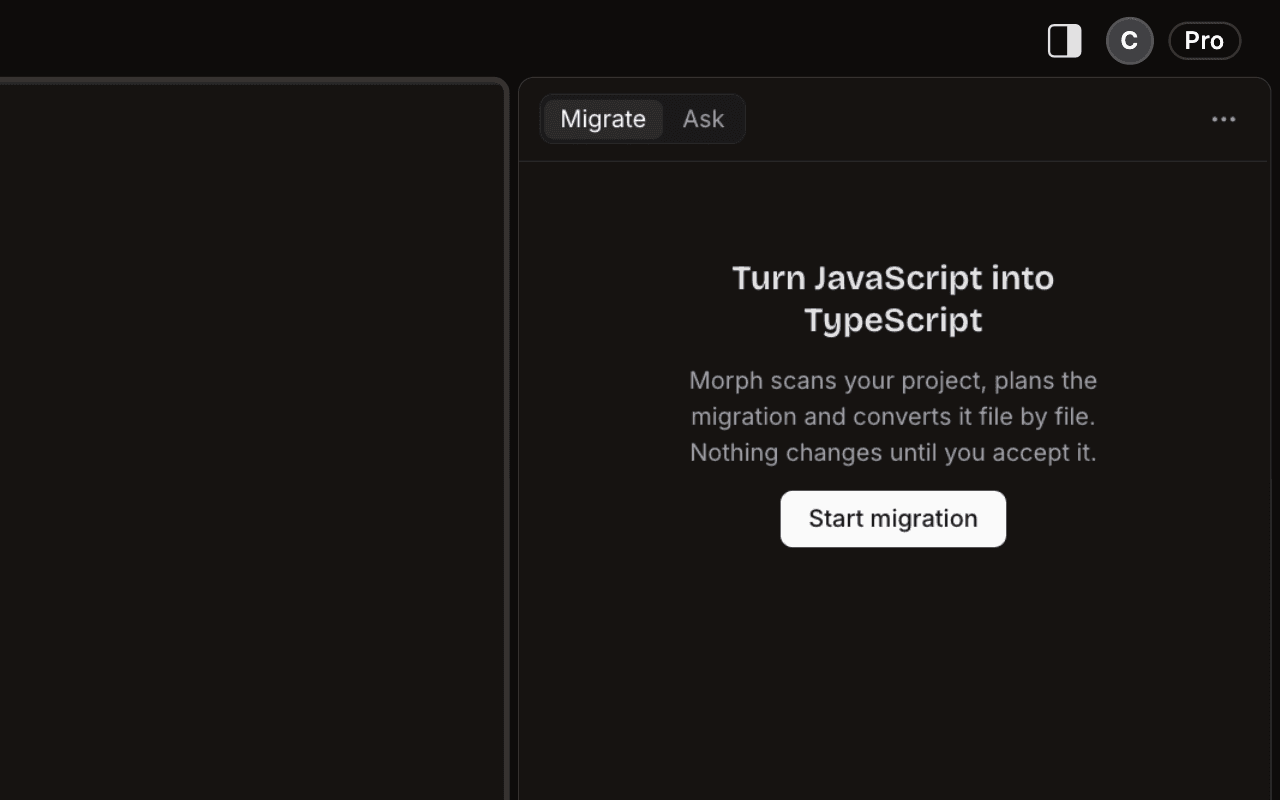
Ctrl+LThe Morph panel opens in the right sidebar. - 03
Start a migration
Ctrl+Shift+MMorph builds the dependency graph, shows your leaf-first plan, then converts batch by batch for you to review.
Updating
The beta doesn't update itself yet. When a new version is ready, a banner in the Morph panel links to the new installer, and we announce it in the changelog.
It installs over the existing version and keeps your settings, keybindings and extensions. Close CodeMorph first.
Want to hear about new releases? Subscribe on the changelog.
Uninstalling
Open Settings, then Apps, then Installed apps. Find CodeMorph and choose Uninstall.
To remove every trace, also delete your settings in %APPDATA%\CodeMorph and your extensions in %USERPROFILE%\.codemorph.
For IT teams
The Windows installer is built with Inno Setup and accepts its standard command-line switches for unattended installs, such as:
CodeMorphSetup.exe /VERYSILENT /NORESTARTRolling out to a team? See Enterprise for deployment and network details.
Download questions
Can I download CodeMorph today?
Is CodeMorph really free?
Why does my computer warn me about the installer?
Can I install CodeMorph next to my current editor?
Does it work on Windows on ARM?
How do I know the file is the real one?
Is there a Mac version?
Do I need Node.js installed?