Editor
A complete editor, not a plugin.
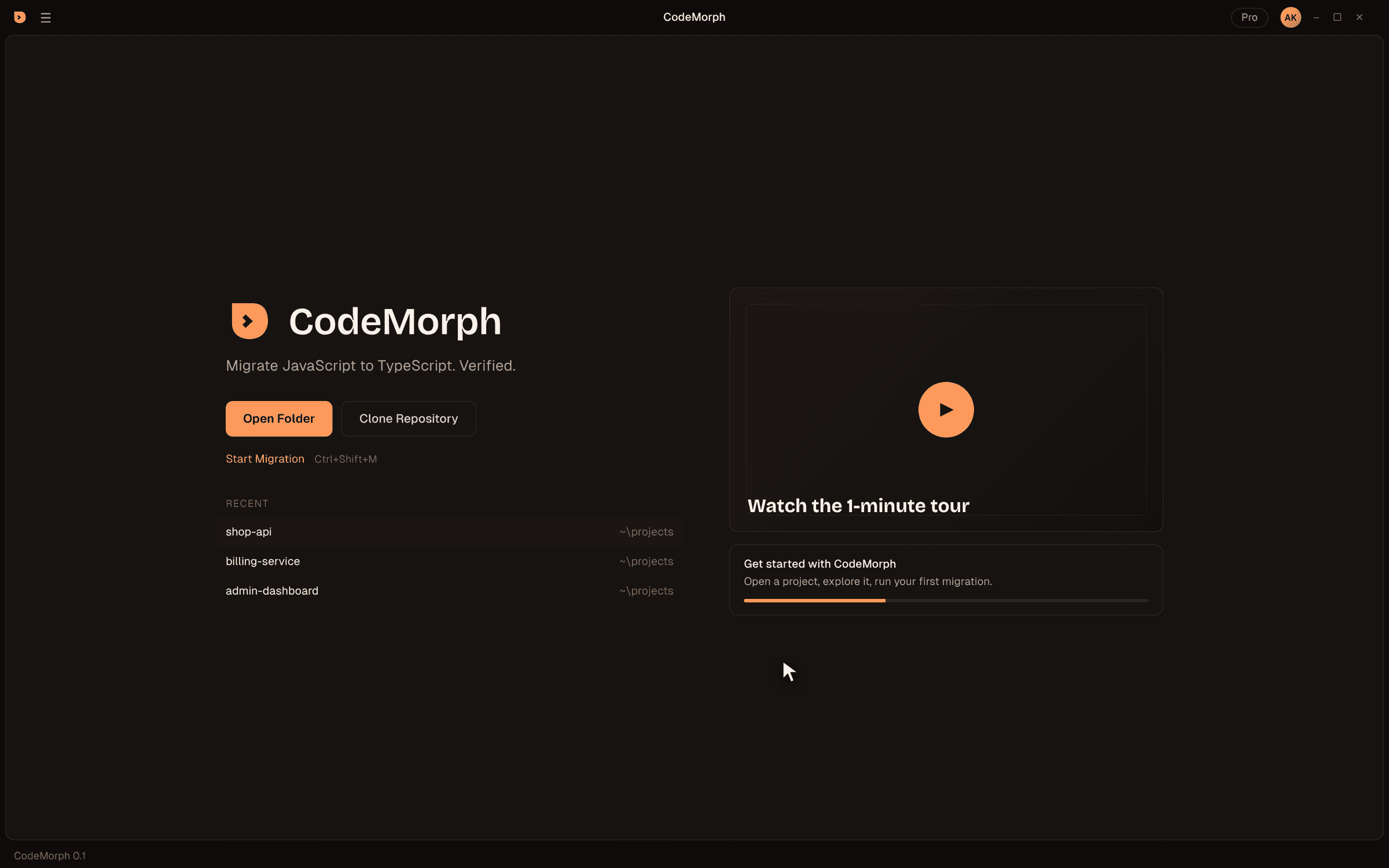
CodeMorph is a full desktop editor built from Code - OSS, the MIT-licensed core of VS Code. Your muscle memory works on day one. Morph is built into the layout, not bolted on.
Foundation
Familiar where it should be
Built from source at a pinned Code - OSS release, then branded and patched with a small, reviewable patch set.
Same keybindings
Open VSX extensions
Telemetry off
Morph in the secondary sidebar
Craft
Designed for long sessions
A warm, low-glare theme and type chosen for reading code all day.
CodeMorph theme
Geist and Geist Mono
Welcome first
Shortcuts
Keyboard first
On macOS, Cmd replaces Ctrl. Ctrl+L opens Morph instead of expanding the line selection, the same choice other AI editors make.
Differences
CodeMorph and VS Code, side by side
Same open-source core. Different defaults, a different extension registry and a migration engine built in.
| VS Code | CodeMorph | |
|---|---|---|
| Built from | Code - OSS plus Microsoft's proprietary build | Code - OSS 1.141.0 plus a small, named patch set |
| Extensions | Visual Studio Marketplace | Open VSX |
| Telemetry | On by default, configurable | Disabled in the product configuration |
| Built-in AI | GitHub Copilot | Morph, with your own Anthropic key |
| Ctrl+L | Expand line selection | Open Morph |
| Migration engine | None | Scan & Plan, batch migration, review, Run & Verify |
| Settings folder | %APPDATA%\Code | %APPDATA%\CodeMorph |
| Extensions folder | ~/.vscode/extensions | ~/.codemorph/extensions |
Because the names and folders differ, CodeMorph and VS Code install side by side without touching each other.
Coming from VS Code
Move in, in five minutes
- 01
Install CodeMorph
Use the user installer from the download page. It installs alongside VS Code. - 02
Bring your settings
Copy settings.json and keybindings.json from %APPDATA%\Code\User to %APPDATA%\CodeMorph\User. Review anything Copilot-specific, since Copilot isn't included. - 03
Reinstall extensions
Open the Extensions view and install your favorites from Open VSX. Most popular extensions, such as ESLint and Prettier, are published there. - 04
Learn one new shortcut
Ctrl+L opens Morph. Everything else works the way your fingers expect. - 05
Open a project
Open Folder, trust the workspace, and press Ctrl+Shift+M to see your migration plan.
How it's built
A patch set, not a fork
CodeMorph follows the same approach as VSCodium, for the same reasons.
Instead of maintaining a multi-gigabyte fork of the editor, the CodeMorph repository holds a pinned upstream release, a set of branding files and a short list of named patches. The build clones the pinned Code - OSS release, applies the branding and patches, and produces CodeMorph.
That keeps CodeMorph close to upstream. Moving to a new Code - OSS release means re-applying a few small patches, not reviewing a giant merge, so security fixes and editor improvements arrive without long delays.
Automated checks run on every build: one fails if any stock branding slips back in, and another checksums the logo files so they can't be altered by accident. Windows installers are built by CI from tagged source and published to GitHub Releases.
Licensing
Open foundation, clear terms
The editor core is Code - OSS, licensed under the MIT License, Copyright (c) Microsoft Corporation. That license and the third-party notices ship with the app and stay visible in its About and license pages.
CodeMorph uses no Visual Studio Code name or logo and isn't affiliated with or endorsed by Microsoft. Use of the CodeMorph app is covered by our terms of use.
FAQ
Editor questions
Is CodeMorph a fork of VS Code?
Can I use my existing extensions?
Does it include GitHub Copilot?
Will my VS Code themes work?
Does CodeMorph update automatically?
Can I use CodeMorph for everyday coding, not just migrations?
Is the source code available?
Which platforms are supported?
Try CodeMorph now.
Download the beta, open a project and see your migration plan in under a minute.